

Key Takeaways
- No-code automation lets anyone build automated workflows without writing a single line of code.
- The best no-code automation platforms balance ease of use, fair pricing, and enough integrations to cover your everyday tools.
- CheapWorkflow is the standout budget pick for small teams – powerful enough to handle real workflows, simple enough that anyone on your team can use it.
- Zapier leads on integrations but gets expensive fast. Make is great for visual thinkers. n8n suits teams comfortable with a little technical setup.
- If you’re not sure where to start, knowing how to automate repetitive tasks first will help you pick the right tool.
What Is No-Code Automation? (Quick Answer)
No-code automation means building automated workflows using a visual interface – no programming required. You connect your apps, set up triggers and actions, and the platform does the rest. It’s how small teams eliminate repetitive tasks without hiring a developer or paying for expensive consultants.
What to Look for in a No-Code Automation Platform
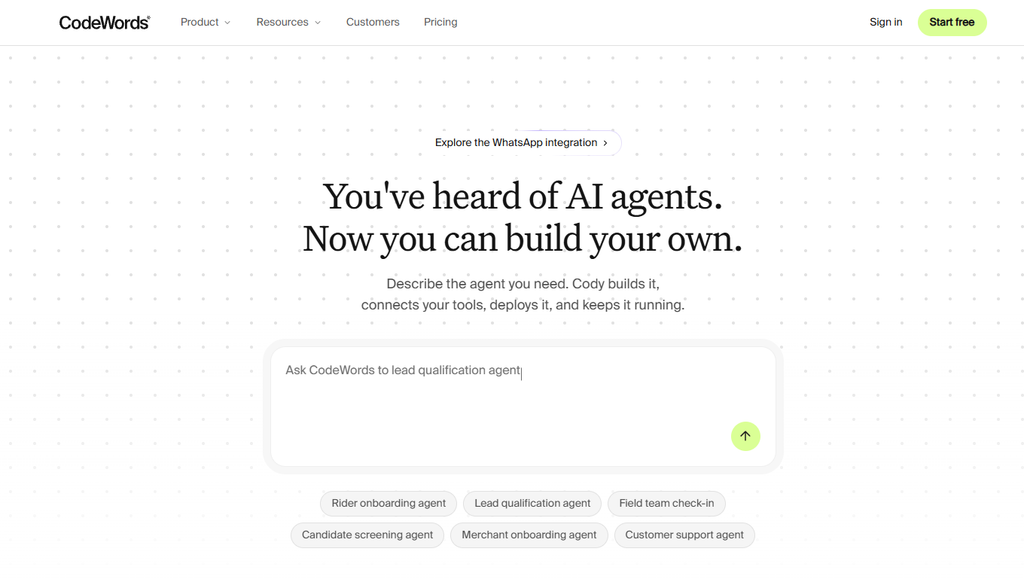
Not every no-code workflow automation platform is built the same. Before you commit, check these four things:
- Ease of use. Can someone on your team set up a workflow in under an hour? If the learning curve is steep, it won’t get used.
- Integrations. Does it connect to the tools you already use – Gmail, Slack, Notion, your CRM? The best no-code automation software covers your stack without forcing workarounds.
- Pricing transparency. Watch out for task limits and per-step billing that balloon your monthly bill. You want to know what you’ll pay before you scale.
- Scalability. Start simple, but make sure the platform can grow with you. A no-code workflow builder that works for five automations should still work when you have fifty.
The Best No-Code Automation Tools in 2026
Here are the platforms worth your time – reviewed honestly, with pricing and a clear “best for” so you can decide quickly.
1. CheapWorkflow – Best for Budget-Conscious Small Teams
Best for: Small teams who want real automation without enterprise pricing or a steep learning curve.
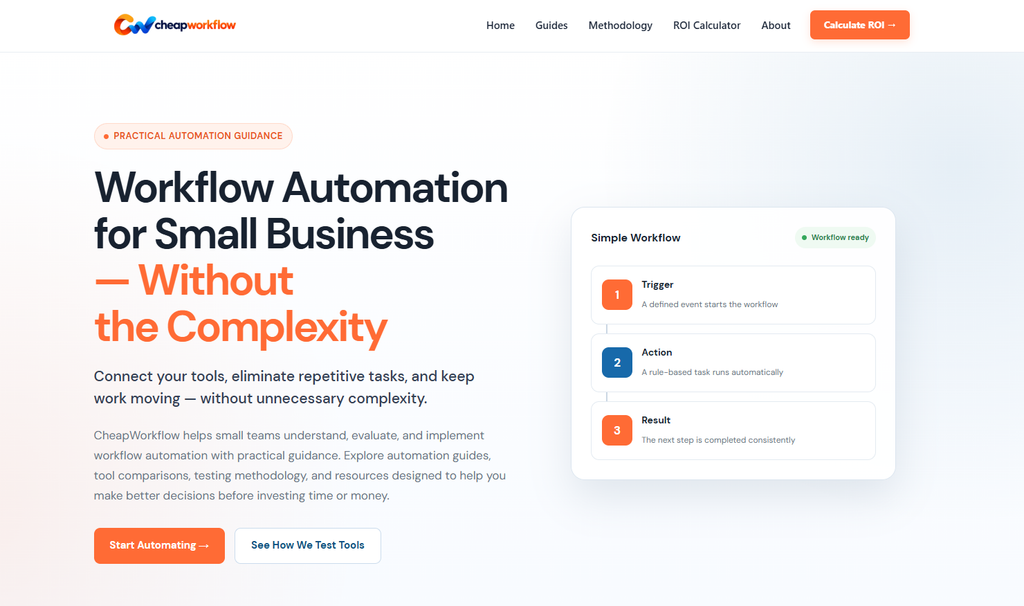
CheapWorkflow is built around one idea: automation shouldn’t cost a fortune or require a technical hire. The no-code workflow builder is clean and straightforward – you pick your trigger, add your actions, and your workflow runs. No complex canvas, no confusing pricing tiers.
Key features:
- Visual workflow editor anyone can use on day one
- Connects to your everyday tools (email, project management, forms, CRMs)
- Flat, transparent pricing – no surprise bills when your task count grows
- Built-in templates to get common workflows running in minutes
- No-code AI automation features for smarter, condition-based routing
Pricing: Affordable flat-rate plans designed for small teams. No per-task billing that punishes you for actually using the product.
Honest take: CheapWorkflow won’t win on sheer integration count against Zapier. But if your team needs reliable no-code business process automation at a price that makes sense, it’s the most straightforward option in this list.
| CheapWorkflow | |
|---|---|
| Free plan | ✅ Yes |
| Pricing model | Flat rate |
| Best for | Small teams on a budget |
| Technical skill needed | None |
2. Zapier – Best for Breadth of Integrations
Best for: Teams with budget who need to connect a wide range of apps quickly.
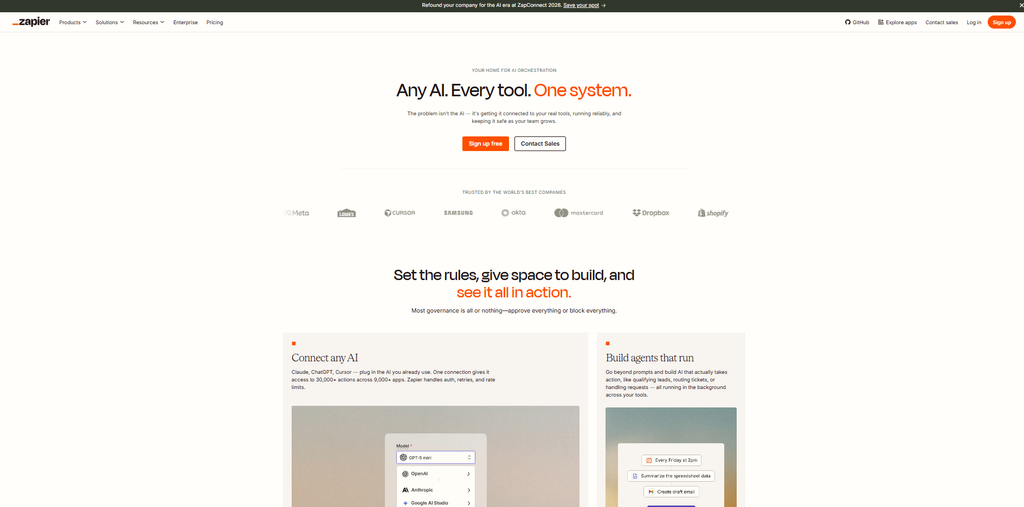
Zapier is the most recognized name in no-code automation platforms. It connects 7,000+ apps, has a huge library of pre-built “Zaps,” and is genuinely easy to use. For one-off automations or teams with diverse tool stacks, it’s hard to beat on coverage.
Key features:
- 7,000+ app integrations
- Simple trigger-action setup
- Multi-step Zaps on paid plans
- AI-powered Zap suggestions
Pricing: Free plan covers 100 tasks/month. Paid plans start at $19.99/month (billed annually) for Professional, and $69/month for Team. Costs scale fast as your task volume grows – many small teams hit the ceiling sooner than expected.
Honest take: Zapier is powerful, but the pricing model can sting. If you’re running dozens of workflows, your bill climbs quickly. If cost is a concern, it’s worth exploring affordable Zapier alternatives before committing.
| Zapier | |
|---|---|
| Free plan | ✅ Yes (100 tasks/mo) |
| Paid plans from | $19.99/mo |
| Best for | Teams with broad integration needs |
| Technical skill needed | None |
3. Make (formerly Integromat) – Best for Visual Workflow Builders
Best for: Teams who think in flowcharts and want fine-grained control over their automations.
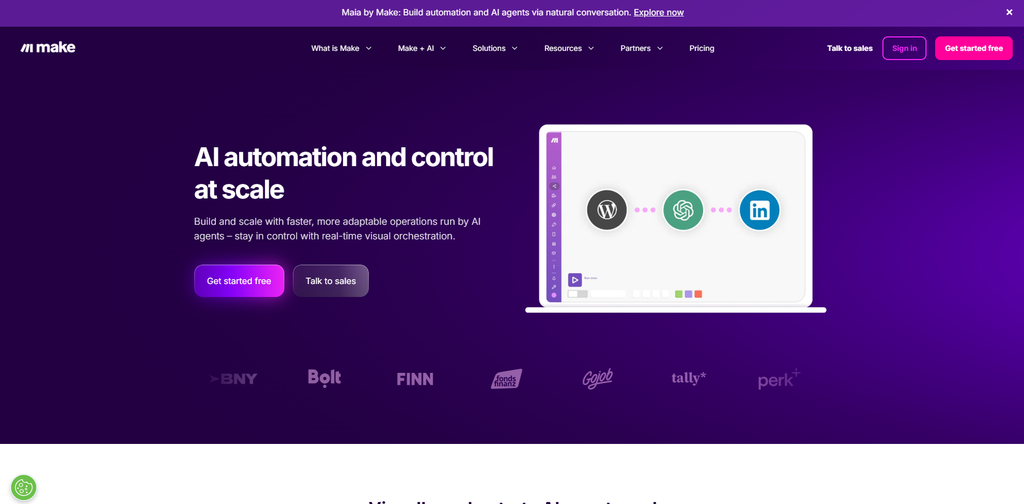
Make uses a visual canvas where you drag, drop, and connect modules to build workflows. It’s more powerful than Zapier for complex, multi-branch logic – and more affordable at scale. The learning curve is slightly steeper, but the payoff is worth it for teams that need conditional paths and data transformation.
Key features:
- Visual drag-and-drop scenario builder
- Advanced data filtering and routing
- 1,000+ app integrations
- Detailed execution logs
Pricing: Free plan includes 1,000 operations/month. Core plan from ~$12/month (billed annually). Pro from ~$21/month. Operations-based billing means costs stay predictable if you plan ahead.
Honest take: Make is a strong mid-range option for teams who’ve outgrown simple trigger-action tools but don’t need enterprise complexity. The visual canvas is genuinely satisfying to work with once you get the hang of it.
| Make | |
|---|---|
| Free plan | ✅ Yes (1,000 ops/mo) |
| Paid plans from | ~$12/mo |
| Best for | Visual thinkers, complex workflows |
| Technical skill needed | Low |
4. n8n – Best for Teams Who Want Full Control
Best for: Technical-leaning small teams who want maximum flexibility and don’t want to pay per task.
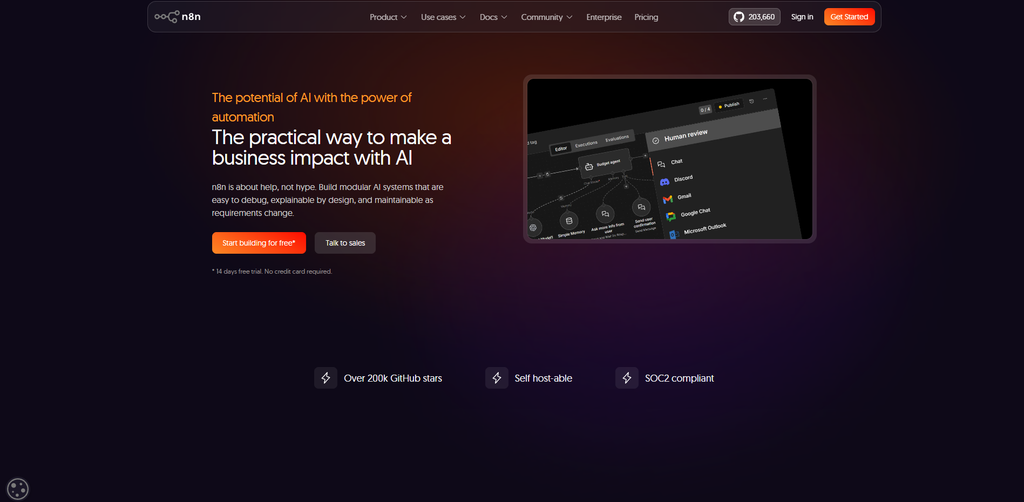
n8n is open-source and self-hostable, which means you can run it on your own server for near-zero ongoing cost. The no-code workflow automation platform covers 400+ integrations and lets you build sophisticated automations – including no-code AI automation with LLM nodes – without any per-execution fees on the self-hosted version.
Key features:
- Open-source and self-hostable (free Community Edition)
- 400+ integrations with custom HTTP request support
- AI/LLM nodes for intelligent workflow branching
- Visual editor with code escape hatches for advanced users
Pricing: Self-hosted Community Edition is free (you pay only for your server, typically $5–$20/month). Cloud plans start around €20/month. No per-task billing.
Honest take: n8n has a slightly higher setup bar than the other tools here – self-hosting means you manage your own infrastructure. But for teams comfortable with that tradeoff, it’s one of the most cost-effective low-code automation tools available. See our full n8n vs Zapier breakdown if you’re deciding between the two.
| n8n | |
|---|---|
| Free plan | ✅ Self-hosted (free) |
| Cloud plans from | ~€20/mo |
| Best for | Technical teams, unlimited executions |
| Technical skill needed | Medium |
5. Other No-Code Automation Platforms Worth Considering
If none of the above feel quite right, these are worth a look:
- Relay.app – A modern, human-in-the-loop automation tool. Free tier available. Great for workflows where a team member needs to approve or review before the next step runs. Paid plans from ~$19/month.
- Activepieces – Open-source and self-hostable like n8n, but with a simpler interface. A solid free option for teams who want low-code/no-code automation without the complexity of n8n’s canvas.
- Microsoft Power Automate – Built into the Microsoft 365 ecosystem. If your team lives in Teams, SharePoint, and Outlook, this is a natural fit. Licensing is bundled with many Microsoft plans.
- Kissflow – Focused on no-code business process automation and approval workflows. Better suited to slightly larger teams with structured internal processes.
Low-Code vs No-Code Automation: What’s the Difference?
The terms get used interchangeably, but they’re not the same thing.
No-code means zero programming required. You build everything through a visual interface – clicks, dropdowns, and drag-and-drop. It’s designed for anyone on your team, regardless of technical background.
Low-code means the platform handles most of the work visually, but lets you drop into code when you need to. Low-code automation tools like n8n give you that escape hatch – useful when a workflow needs custom logic that the visual builder can’t handle.
For most small teams, no-code is enough. You don’t need to write a script to send a Slack message when a form is submitted, or to sync contacts between your CRM and your email tool. Low-code/no-code automation becomes relevant when your workflows get genuinely complex – and even then, the right no-code platform can often handle it without any code at all.
How to Choose the Right No-Code Automation Tool for Your Team
Use this quick framework to narrow it down:
Team size and technical comfort Smaller teams with no technical background should prioritize simplicity. CheapWorkflow and Zapier are the easiest to get started with. n8n rewards teams with a bit more technical confidence.
Budget If cost is your main constraint, CheapWorkflow’s flat-rate pricing is the most predictable. Make is the best value among the mid-range options. Zapier gets expensive as you scale. n8n (self-hosted) is the cheapest long-term if you can manage the setup.
Integrations you actually need List the five tools your team uses most. Check that your chosen platform connects to all of them natively. Don’t pay for 7,000 integrations if you only need 10.
Complexity of your workflows Simple trigger-action automations (form submitted → send email → update spreadsheet) work on any platform. Multi-branch logic, data transformation, or AI-driven routing? Make or n8n will serve you better.
And before you automate everything, it’s worth thinking about when automation isn’t the right call – not every process benefits from it.
Not sure which category you fall into? Take the automation readiness quiz to get a personalized recommendation based on your team’s tools, size, and goals.
FAQ
What is the best no-code automation tool for small businesses?
For most small businesses, CheapWorkflow is the best starting point – it’s affordable, easy to set up, and doesn’t require any technical skills. If you need a wider range of integrations and have more budget, Zapier is the most established option. Make is a strong middle ground for teams that want more power without enterprise pricing.
Is no-code automation free?
Most no-code automation platforms offer a free tier, but free plans usually come with limits – on the number of tasks, workflows, or connected apps. CheapWorkflow, Zapier, Make, and n8n (self-hosted) all have free options. For serious use, a paid plan is typically worth it.
What’s the difference between no-code and low-code automation?
No-code automation uses a fully visual interface – no programming needed. Low-code automation tools let you build visually but also allow custom code when needed. For most small teams, no-code is more than enough. Low-code makes sense when your workflows need logic that visual builders can’t handle.
Can I automate without any technical skills?
Yes. That’s exactly what no-code automation is designed for. Tools like CheapWorkflow, Zapier, and Make are built so that anyone – not just developers – can create and manage automated workflows. If you can use a spreadsheet, you can use a no-code workflow builder.